
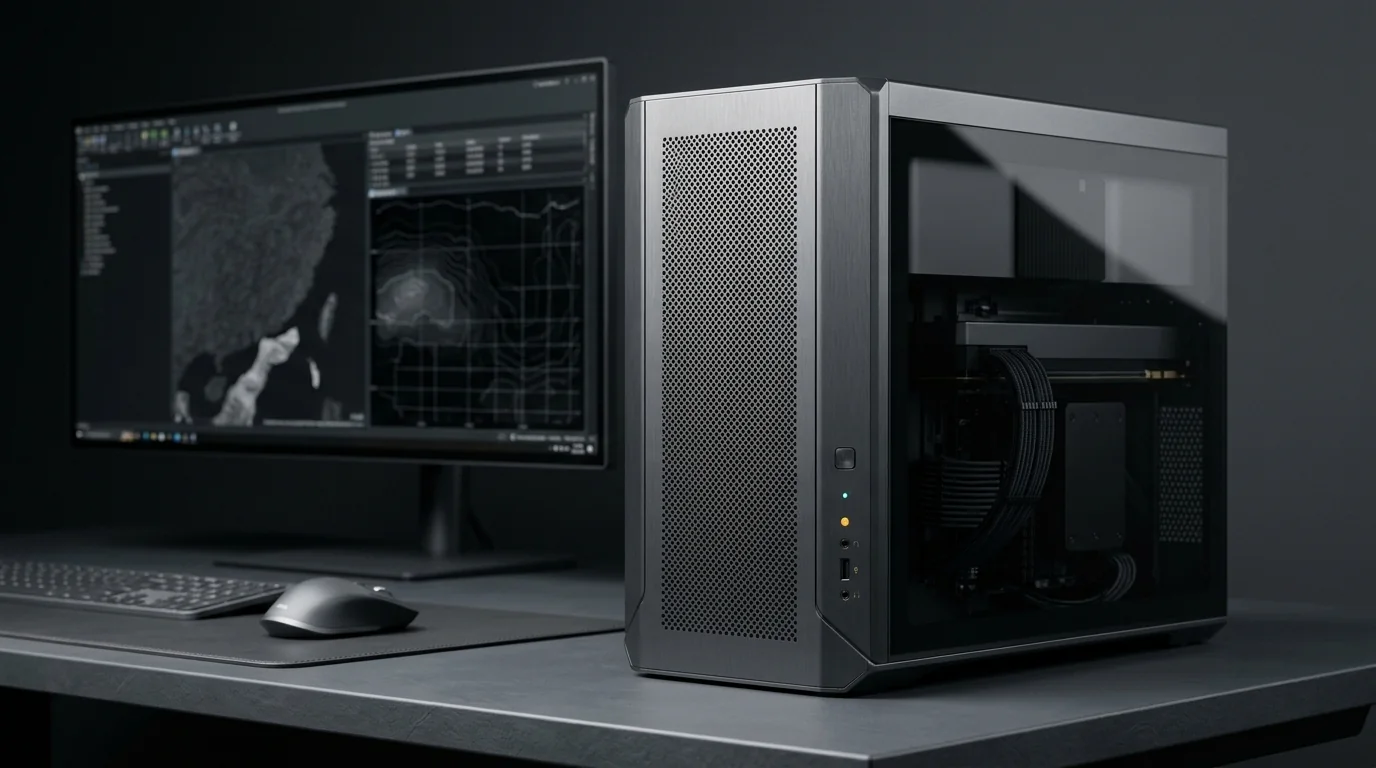
GIS & Geospatial Workstation
Built for big maps, big rasters and big datasets.
GIS work is about handling large data – satellite imagery, rasters and spatial layers. That needs a different balance of CPU, RAM and storage than a gaming PC. We plan around ArcGIS Pro, QGIS and your data sizes.
Supported Software & Frameworks
We test and tune memory timings, GPU acceleration, and CPU scheduling for the specific suite you rely on:
Common Use Cases Handled
Every day tasks this configuration is designed to execute without thermal throttling or memory choke:
- GIS mapping
- Spatial data processing
- Raster analysis
- Satellite imagery
- Large datasets
- 3D geospatial visualisation
Which Components Matter Most for This Workload
Where to spend your budget and where you can safely save money without sacrificing stability or productivity.
CPU
Many geoprocessing tools rely on fast cores; some tools use multiple cores for batch processing.
RAM
Large rasters and datasets need plenty of memory. 32 GB is a good start; 64 GB+ for heavy imagery work.
Fast SSD
Reading and writing big files is constant in GIS. NVMe SSDs make a real difference.
GPU
ArcGIS Pro uses the GPU for 2D/3D display and some analysis. A dedicated GPU with reasonable VRAM helps.
Data storage
Plan bulk storage and backups for imagery archives and project data.
Recommended Specification Profiles
Baseline recommendations. Exact components are chosen after discussing your preferred brands and budget range.
GIS Student / Starter
QGIS, coursework, small projects
- 6-core CPU
- 16–32 GB RAM
- Entry dedicated GPU
- 1 TB NVMe
Professional GIS Workstation
Daily ArcGIS Pro / QGIS work
- Fast 8-core CPU
- 32–64 GB RAM
- Mid-range GPU
- NVMe + large data drive
Remote Sensing Workstation
Satellite imagery, large rasters
- High core-count CPU
- 64–128 GB RAM
- Capable GPU
- Multiple fast drives + backup
Room to Grow
- →RAM expansion for bigger rasters
- →More storage for imagery archives
- →GPU upgrade for 3D scenes
Before You Buy
- •Tell us your software and typical dataset sizes – this matters more than anything else.
- •Check ArcGIS Pro system requirements for your version; we help match them.
- •Keep active projects on NVMe and archives on larger drives.
Configure Your GIS & Geospatial
Choose your budget and preferences below to generate a tailored WhatsApp inquiry directly for our technicians.
- 1Purpose
- 2Budget
- 3Preferences
- 4Summary