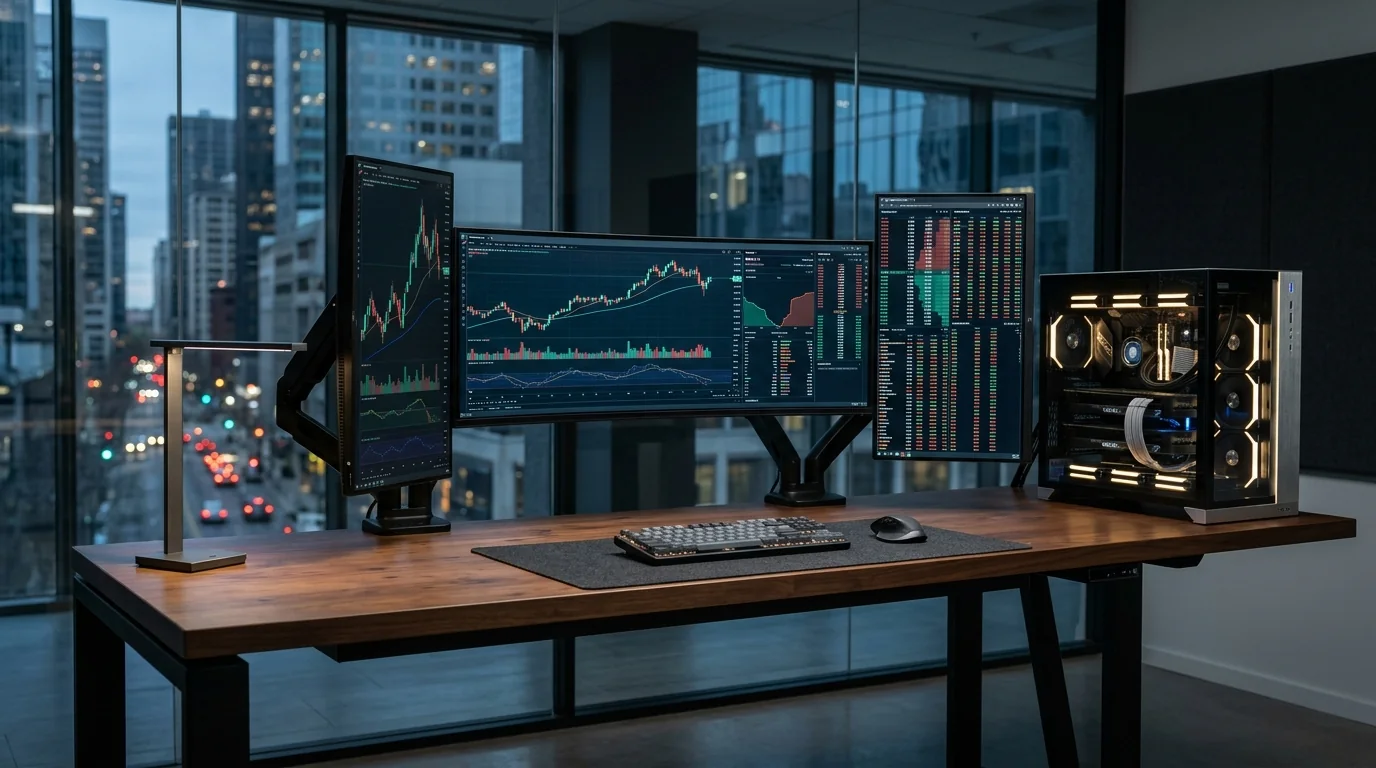
Trading & Multi-Monitor Workstation
Stable, quiet and ready for multiple screens.
Trading and analysis setups need reliability and multiple displays more than raw power. We plan display outputs, RAM, power backup and network stability so the system stays dependable during market hours.
Supported Software & Frameworks
We test and tune memory timings, GPU acceleration, and CPU scheduling for the specific suite you rely on:
Common Use Cases Handled
Every day tasks this configuration is designed to execute without thermal throttling or memory choke:
- Multiple live charts
- Browser-based trading platforms
- Real-time dashboards
- Research & news
- Spreadsheet analysis
Which Components Matter Most for This Workload
Where to spend your budget and where you can safely save money without sacrificing stability or productivity.
Display outputs
The GPU (or motherboard) must support the number of monitors you want – 2, 3, 4 or more.
RAM
Many browser tabs and chart windows use a lot of memory. 16–32 GB keeps everything responsive.
Reliable SSD
Quick boot and app loading, with a quality drive for long-term reliability.
UPS & power
A UPS protects against power cuts during active sessions.
Network
Wired LAN is more stable than Wi-Fi. We can help with router and connection setup.
Recommended Specification Profiles
Baseline recommendations. Exact components are chosen after discussing your preferred brands and budget range.
Dual-Monitor Setup
Part-time traders, analysts
- Modern 6-core CPU
- 16 GB RAM
- GPU / iGPU with 2+ outputs
- 512 GB – 1 TB SSD
Multi-Monitor Workstation
Full-time traders, 3–4 screens
- 8-core CPU
- 32 GB RAM
- GPU with 4 outputs
- 1 TB SSD
- UPS
Analyst Workstation
Heavy spreadsheets, research, 4–6 screens
- Fast multi-core CPU
- 32–64 GB RAM
- Multi-output GPU(s)
- Reliable storage + backup
Room to Grow
- →Add more monitors later
- →RAM upgrade path
- →Second SSD for data/backups
Before You Buy
- •Tell us the number and resolution of monitors you want – this decides the graphics setup.
- •We focus on stability, cooling and silence for long working hours.
- •Ergonomics matter: monitor arms and placement are worth planning.
Configure Your Trading & Multi-Monitor
Choose your budget and preferences below to generate a tailored WhatsApp inquiry directly for our technicians.
- 1Purpose
- 2Budget
- 3Preferences
- 4Summary