Engineering & Software Development PC
Fast builds, smooth multitasking, room for containers and VMs.
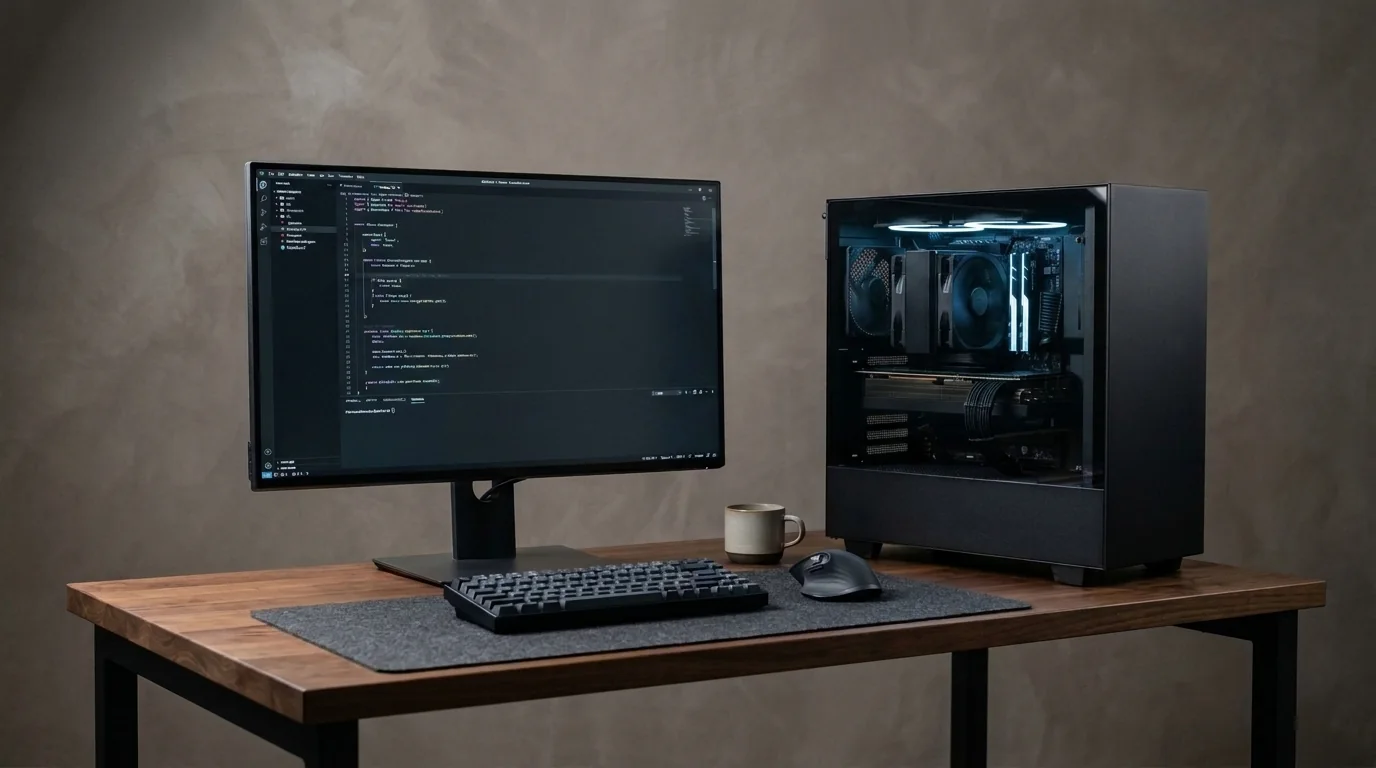
Developers need a responsive machine more than a flashy one. We focus on CPU cores, plenty of RAM and fast SSDs so IDEs, Docker, VMs and dozens of browser tabs run together without slowing you down.
Supported Software & Frameworks
We test and tune memory timings, GPU acceleration, and CPU scheduling for the specific suite you rely on:
Common Use Cases Handled
Every day tasks this configuration is designed to execute without thermal throttling or memory choke:
- Multiple IDEs
- Compiling large projects
- Docker & containers
- Virtual machines
- Local databases
- Kubernetes learning labs
- CI/CD experiments
- Heavy multitasking
Which Components Matter Most for This Workload
Where to spend your budget and where you can safely save money without sacrificing stability or productivity.
RAM
The biggest comfort factor. Docker, VMs, IDEs and browsers all eat memory. 32 GB is a sweet spot; 64 GB for heavy virtualisation.
Processor (CPU)
More cores mean faster compiles and more VMs/containers running at once. Virtualisation support (VT-x / AMD-V) is enabled and checked.
NVMe SSD
Fast storage speeds up builds, package installs, database work and VM disks.
Displays
Two monitors make coding, docs and testing far easier. We make sure the PC has the right outputs.
GPU
Not critical for most dev work – unless you also do ML, Android emulation or gaming.
Recommended Specification Profiles
Baseline recommendations. Exact components are chosen after discussing your preferred brands and budget range.
Student Developer PC
Learning, college projects, coding practice
- 6-core CPU
- 16 GB RAM (upgradeable)
- 512 GB – 1 TB NVMe
- Integrated or basic GPU
Full-Stack Development PC
Daily professional development
- 8-core CPU
- 32 GB RAM
- 1 TB NVMe
- Dual-monitor support
DevOps & Virtualisation PC
Docker, Kubernetes labs, multiple VMs
- 12+ core CPU
- 64 GB RAM
- 2 TB NVMe
- Fast networking
Engineering Workstation
Large codebases, simulations, mixed workloads
- High core-count CPU
- 64–128 GB RAM
- Multiple NVMe drives
- GPU if needed
Room to Grow
- →Start with 32 GB, grow to 64 GB
- →Extra M.2 slots for VM storage
- →Add a GPU later for ML work
Before You Buy
- •Windows, Linux or dual boot – we install and configure whichever you prefer, including WSL.
- •Android Studio emulators and Docker Desktop benefit from more RAM and cores.
- •Pick a motherboard with 4 RAM slots so you can grow from 32 GB to 64 GB later.
Configure Your Developers & Engineers
Choose your budget and preferences below to generate a tailored WhatsApp inquiry directly for our technicians.
- 1Purpose
- 2Budget
- 3Preferences
- 4Summary