
Architecture, CAD & 3D Rendering PC
Smooth models, faster renders, reliable deadlines.
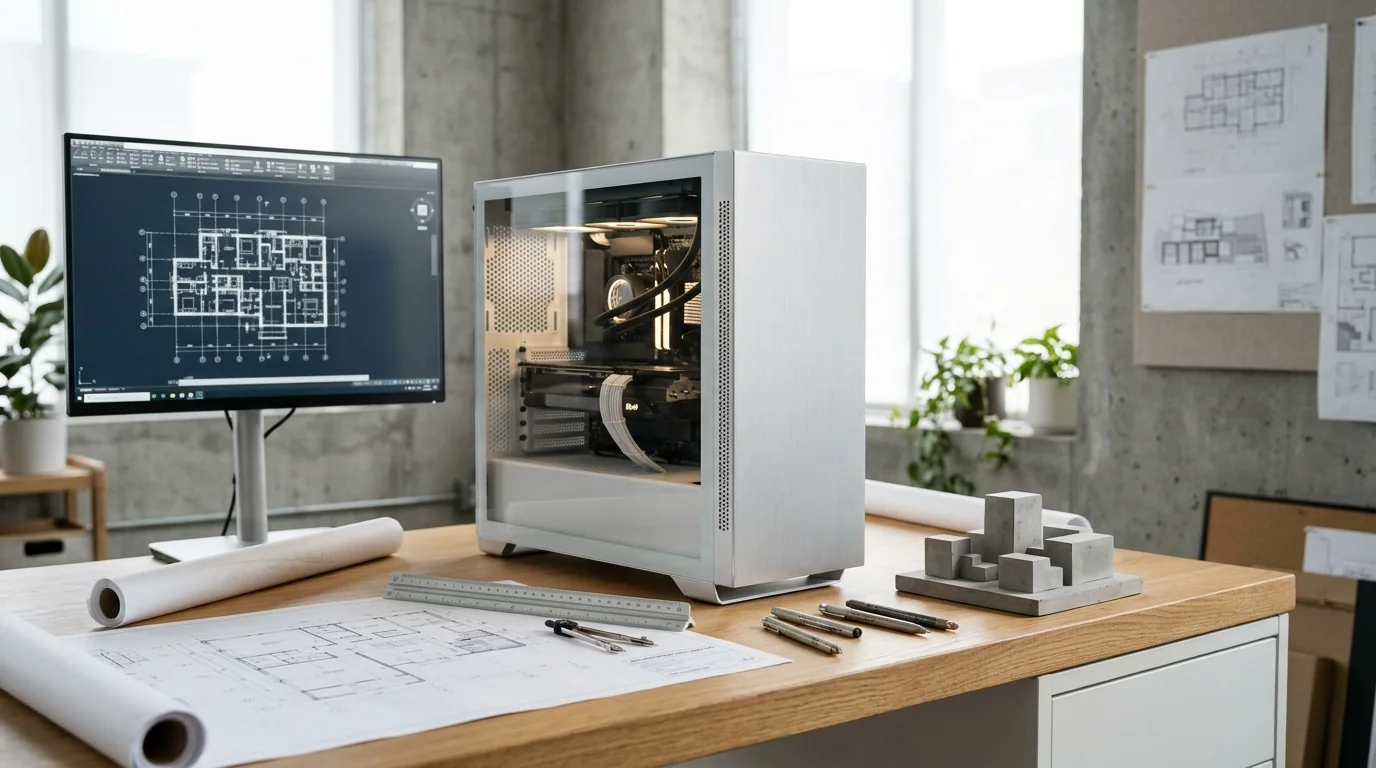
AutoCAD, Revit, SketchUp, Lumion and V-Ray all use hardware differently. Some depend on single-core CPU speed, others on the GPU, others on many CPU cores. We build around the software you actually use.
Supported Software & Frameworks
We test and tune memory timings, GPU acceleration, and CPU scheduling for the specific suite you rely on:
Common Use Cases Handled
Every day tasks this configuration is designed to execute without thermal throttling or memory choke:
- 2D CAD drafting
- BIM modelling
- 3D modelling
- Rendering & visualisation
- Real-time walkthroughs
- Large project files
Which Components Matter Most for This Workload
Where to spend your budget and where you can safely save money without sacrificing stability or productivity.
CPU single-core speed
Modelling in AutoCAD, Revit and SketchUp is mostly single-threaded – a fast CPU keeps the model responsive.
CPU core count
CPU renderers (like V-Ray CPU) finish faster with more cores.
GPU & VRAM
Real-time tools such as Lumion, Enscape and Twinmotion depend heavily on the GPU and its memory.
RAM
Large BIM projects and high-resolution textures need 32–64 GB or more.
Storage
Fast NVMe for active projects, plus larger storage and backups for archives.
Display
A larger, sharp monitor makes detailed drawing work much easier.
Recommended Specification Profiles
Baseline recommendations. Exact components are chosen after discussing your preferred brands and budget range.
CAD & 2D Design
Drafting, 2D drawings
- Fast 6-core CPU
- 16–32 GB RAM
- Entry GPU
- 1 TB NVMe
Architecture Student
College projects across CAD, SketchUp, Lumion
- Fast 6–8 core CPU
- 32 GB RAM
- Mid-range GPU
- 1 TB NVMe
3D Modelling
SketchUp, Rhino, Blender, 3ds Max
- Fast 8-core CPU
- 32 GB RAM
- Capable GPU
- Fast NVMe
BIM Workstation
Revit / Navisworks on large projects
- High-clock CPU
- 64 GB RAM
- Good GPU
- NVMe + backup storage
Heavy Rendering Workstation
Lumion, Enscape, V-Ray, Twinmotion
- High core-count CPU
- High-VRAM GPU
- 64 GB+ RAM
- Strong cooling & PSU
Room to Grow
- →RAM expansion for bigger projects
- →GPU upgrade for real-time rendering
- →Extra storage for archives
Before You Buy
- •Tell us your main software and typical project size – it changes the right build completely.
- •GPU rendering and CPU rendering need different parts. Many studios use both.
- •Check the recommended specs of your software version – we help you read them.
Configure Your Architecture & CAD
Choose your budget and preferences below to generate a tailored WhatsApp inquiry directly for our technicians.
- 1Purpose
- 2Budget
- 3Preferences
- 4Summary